Topic 4 of 6 · Settings
Timesheets
Timesheets store daily hours per purchaser per grant.
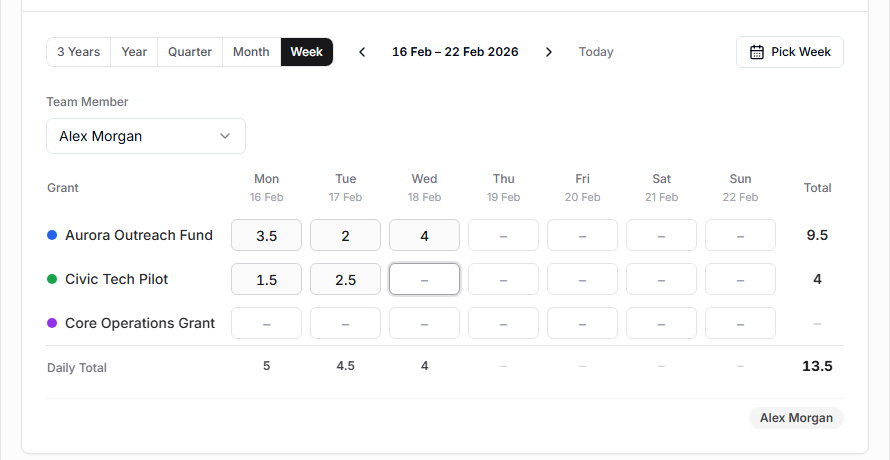
Use Timesheets to:
- enter daily hours manually,
- review imported schedule hours,
- filter by person or grant,
- view week, month, quarter, year, or three-year ranges,
- prepare timesheet exports.
Hours are stored per person, grant, and date. Manual entries and schedule imports round hours to 3 decimal places. Editing the same person/grant/date combination updates the existing entry. A person can't have more than 24 hours on one day across all of their grants.
Hours follow the purchaser profile. Renaming a profile, adding an email to a name-only profile, or changing its emails keeps its hours and grant assignments with it. Two profiles can't share a name, because their hours couldn't be told apart. If hours are stored under a name or email that isn't a profile's main one, for example after a profile was removed, Timesheets lists them under Hours not linked to a purchaser profile. Use Link to profile to move them onto the right person. Linking is refused if it would give the person more than 24 hours on a day, which usually means the same hours were saved under both names; remove one set first.